
The numbers speak for themselves: every day, millions of smartphones deliver their owner’s location to the minute, without fanfare. Applications activate, collect, transmit, often without us fully realizing what these permissions entail. Behind the screens, the intimate mapping of lives takes shape, unbeknownst to those who think they have locked everything down.
Contrary to what many believe, turning off GPS does not always stop the flow of information about your movements. Depending on the phone, the operating system, or even the software version, the paths to disable these functions multiply and become more complex. Those who wish to maintain control must arm themselves with patience and a bit of method to track down every hidden permission.
Geolocation on smartphones: what risks for privacy and why should we care?
Activating geolocation opens the door to constant tracking. Every trip, every stop, every daily routine adds to an increasingly detailed digital profile. Lifestyle habits, favorite places, recurring schedules… the smartphone becomes the silent witness of a scrutinized daily life. Gradually, privacy erodes, sometimes without the user even realizing it.
Often, location services are active by default. Whether it’s messaging apps, social networks, games, or GPS, all demand their share of access, sometimes for purposes far removed from their primary objective. The processing of these personal data goes well beyond simple technical functionality: it fuels personalized advertising, profiling, and, in some cases, more systematic surveillance. Some players cross-reference this information with other sources to enrich their databases, making the intrusion even deeper. The National Commission on Informatics and Liberty has issued multiple alerts about these practices.
The consequences are not science fiction: identity theft, transmission of location information to third-party companies, increased physical risks if your travel history falls into the wrong hands… What is at stake goes beyond the individual level. Data protection affects every citizen, weaving a net that encompasses society as a whole.
Some wish to gain clarity and take back control. Tools exist. Rabbitfinder, for example, offers an overview of applications that exploit location data. It then becomes possible to regain control over the settings and use of this data. To go further, the guide ‘What is Rabbit Finder exactly for and how to use it effectively? – Information Influx’ details the practices to adopt and the features of the tool.
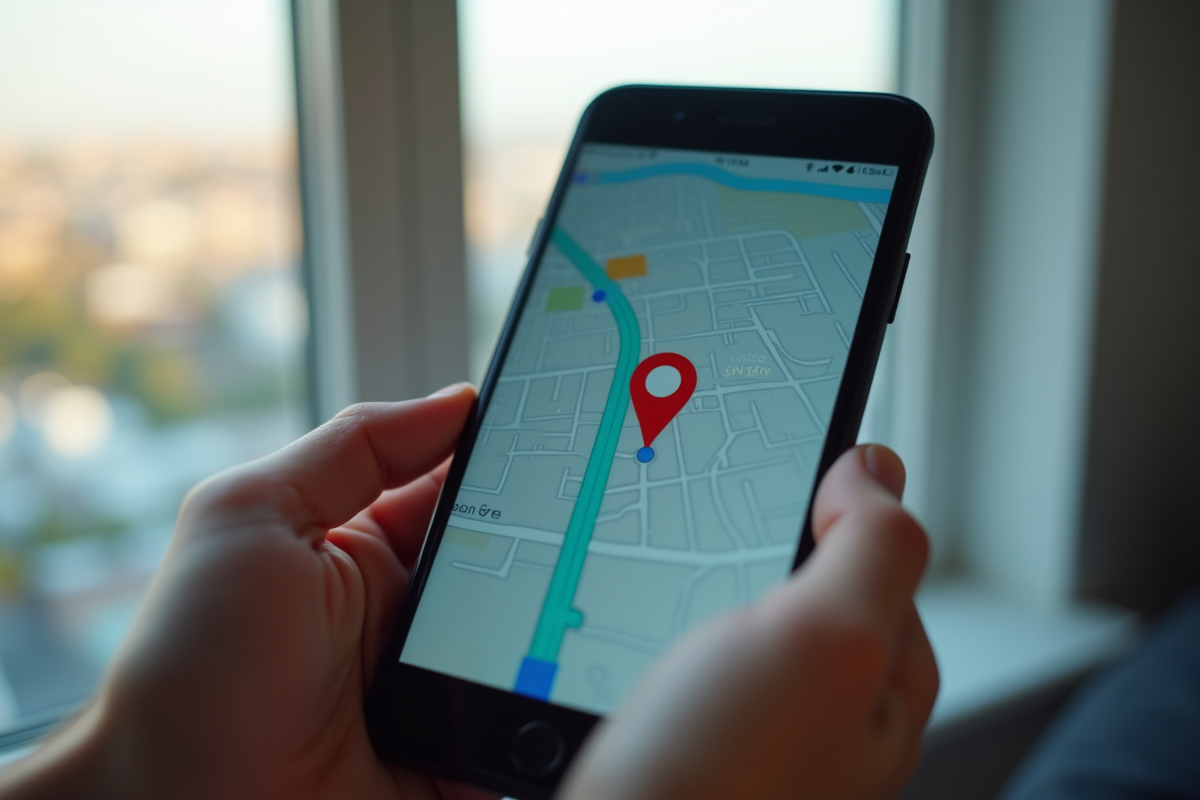
Settings to check and concrete steps to disable location on iOS, Android, and other devices
iOS: towards fine control of privacy
To regain control over location with an iPhone, simply open Settings, then go to the Privacy & Security tab. There, under Location Services, you can disable general access or detail each permission app by app. Special attention should be paid to background usage: some applications retain extensive rights without valid reason. A review allows you to spot overly curious applications and adjust access accordingly.
Android: app-by-app adjustment and centralized management
On Android, access is via Settings, then Location. Here, you can interrupt tracking globally or adjust rights app by app. The system offers several levels of access: always, only while using, or never. From the Privacy & Security space, you can view collected data and erase your travel history.
Here are the paths to follow to disable these settings according to your device:
- On iPhone: Select Settings > Privacy > Location Services.
- On Android: Settings > Location > App Permissions.
Vigilance does not stop at the phone. Tablets, connected devices, laptops: all have similar options to limit the flow of information and protect privacy. Regularly check your settings. In an age where every device can become a beacon, even the smallest flaw can sometimes piece together the puzzle of your daily life.
Between digital comfort and respect for privacy, the slider is only a gesture away. It is up to each person to decide its position and to measure what this choice entails, today and tomorrow.